
Description
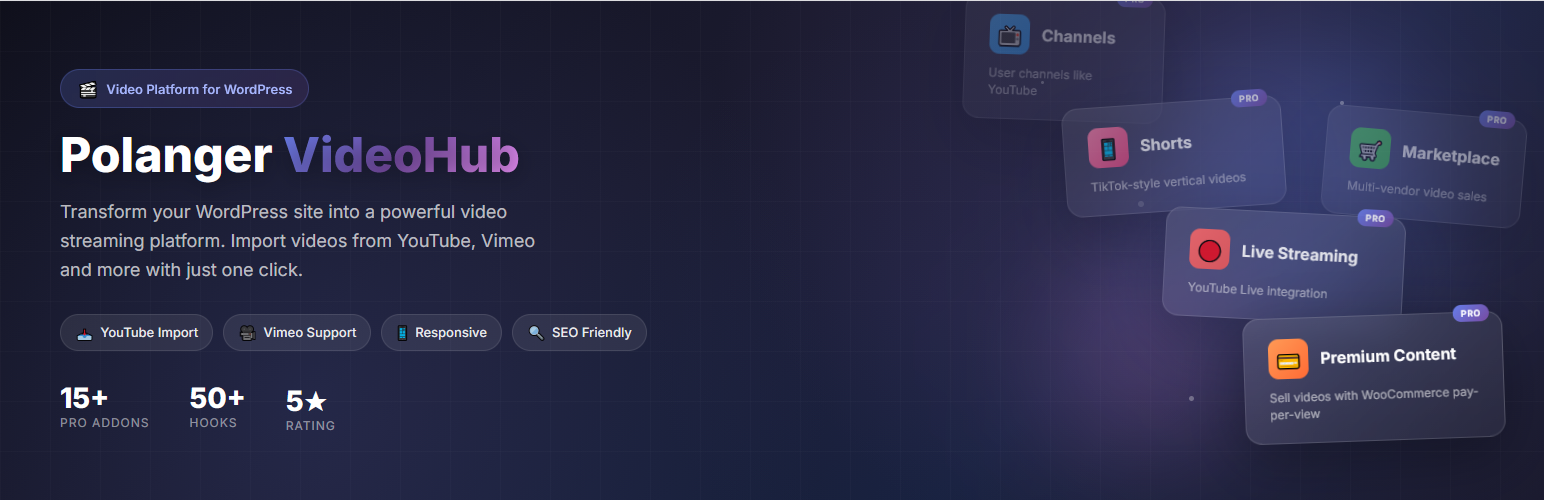
VideoHub helps you turn a WordPress site into a clean, responsive video platform. Publish self-hosted videos, embed videos from popular providers, organize content with categories, tags, and playlists, and give visitors a familiar video browsing experience. Use it as a video gallery, video player system, video playlist manager, or full video library for your site.
The free core provides everything needed to publish, organize, and display videos on WordPress. It includes the video content type, playlist support, video categories and tags, a responsive player, comments, reactions, search, homepage sections, shortcodes, and admin tools.
When a site needs more advanced workflows, VideoHub can be extended with optional official addons. Paid addons are sold separately on Polanger.com and are not required for the free core video publishing experience.
What You Can Build
- A video gallery or media library
- A self-hosted video platform
- A modern video homepage
- Category-based video sections
- Playlists and curated video collections
- A searchable video archive
- A community video platform with optional member, upload, channel, monetization, live, and mobile-app features
Core Features
- Video Content Type – Manage videos from a dedicated VideoHub admin area
- Multiple Video Sources – Use YouTube, Vimeo, Dailymotion, self-hosted videos, and supported embed providers
- Responsive Player – Clean video playback layout for desktop, tablet, and mobile
- Playlists – Create playlist pages and embed playlists with shortcodes
- Categories and Tags – Organize videos with dedicated taxonomies
- Homepage Sections – Display hero, latest videos, trending videos, playlists, and category sections
- PVH Comments – Advanced video comments with replies, voting, mentions, moderation, and WordPress discussion integration
- PVH Reactions – Like, dislike, share, and report actions for videos
- PVH Search – Advanced video search with filters for type, date, duration, category, and sorting
- View Counter – Track video views and show view counts on the frontend
- Related Videos – Show related content on single video pages
- Shortcodes – Add VideoHub layouts to pages, posts, and builders
- Template Overrides – Override templates from your theme when deeper customization is needed
- Video Engine API – Let themes and other plugins select, render, and check access for VideoHub videos
- Translation Ready – Built with WordPress internationalization functions
Optional Official Addons
Extend VideoHub only when your project needs the extra workflow:
- PVH Shorts Addon – Vertical short-form videos with fullscreen swipe playback
- PVH Auth, PVH Channels, PVH Uploads Addons Pack – Frontend login/register, user profiles, channels, subscriptions, and user uploads
- PVH Ads Addon – Pre-roll, mid-roll, display, in-feed, and shorts ad placements with analytics
- Premium Content, Marketplace Addons Pack – Sell individual videos through WooCommerce and manage vendor earnings
- Live Streaming Addon – Live stream pages for supported streaming providers and paid live access workflows
- Media Optimizer Addon – FFmpeg-based optimization for self-hosted MP4 videos
- Live Chat Addon – Real-time chat for videos and live streams
- PVH Navigation Panel Addon – Sidebar navigation for a familiar video platform layout
- Progressive Web App Addon – Installable app-like experience for visitors
Shortcodes
[pvh_home]– Display the VideoHub homepage layout[pvh_videos]– Display a video grid[pvh_video id="123"]– Display a single video player[pvh_playlist id="123"]– Display a playlist[pvh_categories]– Display video categories[pvh_search]– Display the VideoHub search interface
Addon shortcodes become available when the related addon is installed and active.
Developer Documentation
VideoHub includes developer documentation for hooks, filters, addon development, template overrides, shortcodes, and the Video Engine API.
VideoHub manages videos so other plugins do not have to. A third-party plugin can save a VideoHub video ID and render it safely:
echo pvh_render_video( 123, array( 'context' => 'lesson' ) );
Developers can also query videos for custom layouts:
$videos = pvh_get_videos( array( 'category' => 'education', 'limit' => 12 ) );
For admin integrations, add a VideoHub picker to your custom post type:
add_filter( 'pvh_video_picker_post_types', fn( $types ) => array_merge( $types, array( 'lesson' ) ) );
Installation
- Install the plugin from WordPress.org, or upload the plugin ZIP from Plugins -> Add New -> Upload Plugin.
- Activate the plugin from the Plugins screen.
- Go to VideoHub -> Settings and select or create your video homepage.
- Add your first video from VideoHub -> Add New Video.
- If you use custom permalinks, visit Settings -> Permalinks once and click Save Changes after setup.
For manual installation, upload the plugin folder to /wp-content/plugins/polanger-videohub-lite/.
FAQ
-
Do I need a paid addon to publish videos?
-
No. The free core can publish and display videos, playlists, categories, comments, reactions, and search without any paid addon.
-
Can I use VideoHub without any official addon?
-
Yes. The free core works independently and does not require any paid addon.
-
Which features are included in the free core?
-
The free core includes video management, playlists, categories, tags, responsive templates, comments, reactions, search, homepage sections, view counts, related videos, and shortcodes.
-
How do I install an official addon?
-
After purchasing and downloading an official addon ZIP from Polanger.com, install it from Plugins -> Add New -> Upload Plugin, or upload it from VideoHub -> Addons using the official addon installer. If the same addon is already installed and you upload from VideoHub -> Addons, enable the Replace existing addon package option before submitting the ZIP. Official optional addons install as standard WordPress plugins for safer updates, while VideoHub still lets you manage them from VideoHub -> Addons.
-
Can third-party developers build addons?
-
Yes. Developers can build uploadable VideoHub addon packages or standard WordPress plugins that register as VideoHub addons. See the bundled documentation in
docs/DEVELOPER-HOOKS.md. -
Can other plugins or themes use VideoHub videos?
-
Yes. VideoHub includes a Video Engine API so LMS plugins, themes, WooCommerce extensions, membership plugins, or custom code can store a VideoHub video ID and let VideoHub handle the player, thumbnails, playlists, access checks, and addon-powered behavior.
-
Can I use videos from external platforms?
-
Yes. Paste a supported video URL in the video source field. VideoHub supports popular external video URLs, self-hosted MP4 files, and embed code sources.
-
Can I override templates?
-
Yes. Copy template files from
/wp-content/plugins/polanger-videohub-lite/templates/to/wp-content/themes/your-theme/polanger-videohub/and customize them there. -
Where can I manage official addon licenses?
-
Official addon licenses are managed from your Polanger.com account.

Contributors & Developers
“Polanger VideoHub – Build Your Own Video Platform” is open source software. The following people have contributed to this plugin.
Contributors

Translate “Polanger VideoHub – Build Your Own Video Platform” into your language.
Interested in development?
Browse the code, check out the SVN repository, or subscribe to the development log by RSS.
Changelog
1.9.1
- Improved WordPress.org package clarity by refreshing public product, documentation, demo, developer, and GitHub links across the bundled documentation.
- Improved official addon upload safety so an existing addon package is not replaced unless the administrator explicitly enables the replacement option.
- Improved addon installation guidance to describe both standard WordPress plugin uploads and the built-in VideoHub addon manager.
- Improved bundled documentation around free core features, optional official addons, and supported extension workflows.
- Improved developer documentation metadata for the current release and public developer resources.
- Fixed outdated documentation text that could describe optional addons as included core features.
- Fixed older product and documentation links that pointed to legacy VideoHub URLs.
1.9.0
- Improved PVH Search live results so AJAX responses are handled more reliably during fast typing, repeated searches, and page transitions.
- Improved live search result formatting so encoded characters and special entities display as readable titles in the suggestion dropdown.
- Improved search diagnostics for administrators when the Frontend Diagnostics Tool is enabled, making it easier to inspect live search requests, responses, timing, and rendering state.
- Improved VideoHub Explore and discovery layouts with more predictable responsive grids for videos, shorts, and comments.
- Improved comment discovery logic so popular comment sections can fill empty slots with recent approved comments instead of appearing incomplete.
- Improved core/custom-table safety checks around optional feature data so missing addon tables do not create database warnings on public pages.
- Improved developer-facing documentation for performance architecture, custom tables, frontend diagnostics, and Navigation Panel integration behavior.
- Fixed a live search reliability issue where older or overlapping requests could make instant results appear inconsistent.
- Fixed search suggestion text that could show encoded entities such as
&instead of readable characters. - Fixed a database warning caused by an outdated premium purchase table reference in Navigation Panel conditional menu checks.
Older release history is maintained in the bundled documentation: VideoHub documentation changelog.